
Six tabs: General, Security, Resources, Licence, Remote and Audit.
General
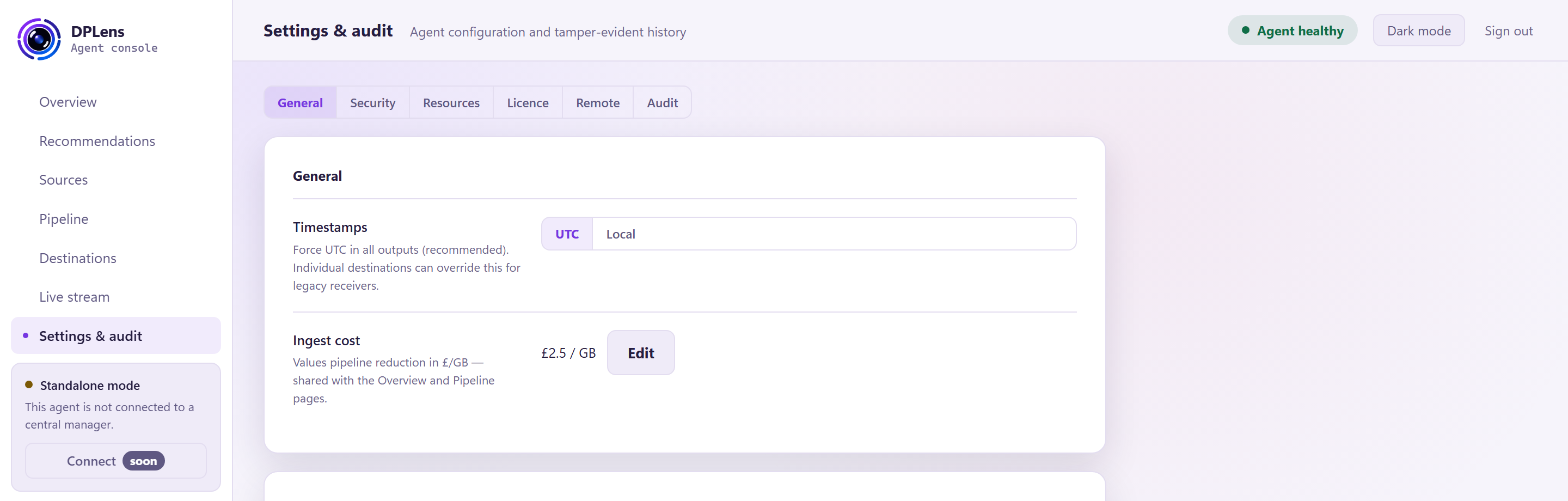
Timestamps
UTC (recommended) or Local.
Timestamps are normalised to UTC as soon as an event is collected and stay in UTC inside DPLens. This setting controls how they are written out. Individual destinations can override it for a receiver that insists on local time.
Ingest cost
What a gigabyte of ingest costs you, in pounds. It is used to show what your filtering saves, on Overview and Pipeline.
Setting it honestly is worth doing: it turns "we dropped 40% of events" into a number you can take to a budget conversation.
Console access
| Setting | What it does |
|---|---|
| Console | On or off. Off means no console process runs at all. |
| Console port | Which port to serve on. Minimum 1024. |
| Remote access | Off by default — the console listens on localhost only. |
| Allowed networks | Addresses or CIDR ranges that may reach the console, one per line. Required before remote access can be turned on. Loopback is always allowed. |
| Listen address | Where the console is actually served, as it stands now. |
| Your address | The address this browser session came from, and whether it is loopback. |
| Refused connections | How many connections have been turned away by the allow-list. |
| TLS certificate | Which certificate the console is using. |
Allowed networks are checked before the TLS handshake, so a machine outside the list never gets as far as negotiating.
Switching the console off is a one-way trip from the console's point of view: turning it back on means editing the configuration file and restarting the service, because there is no web interface running to do it from.
Security
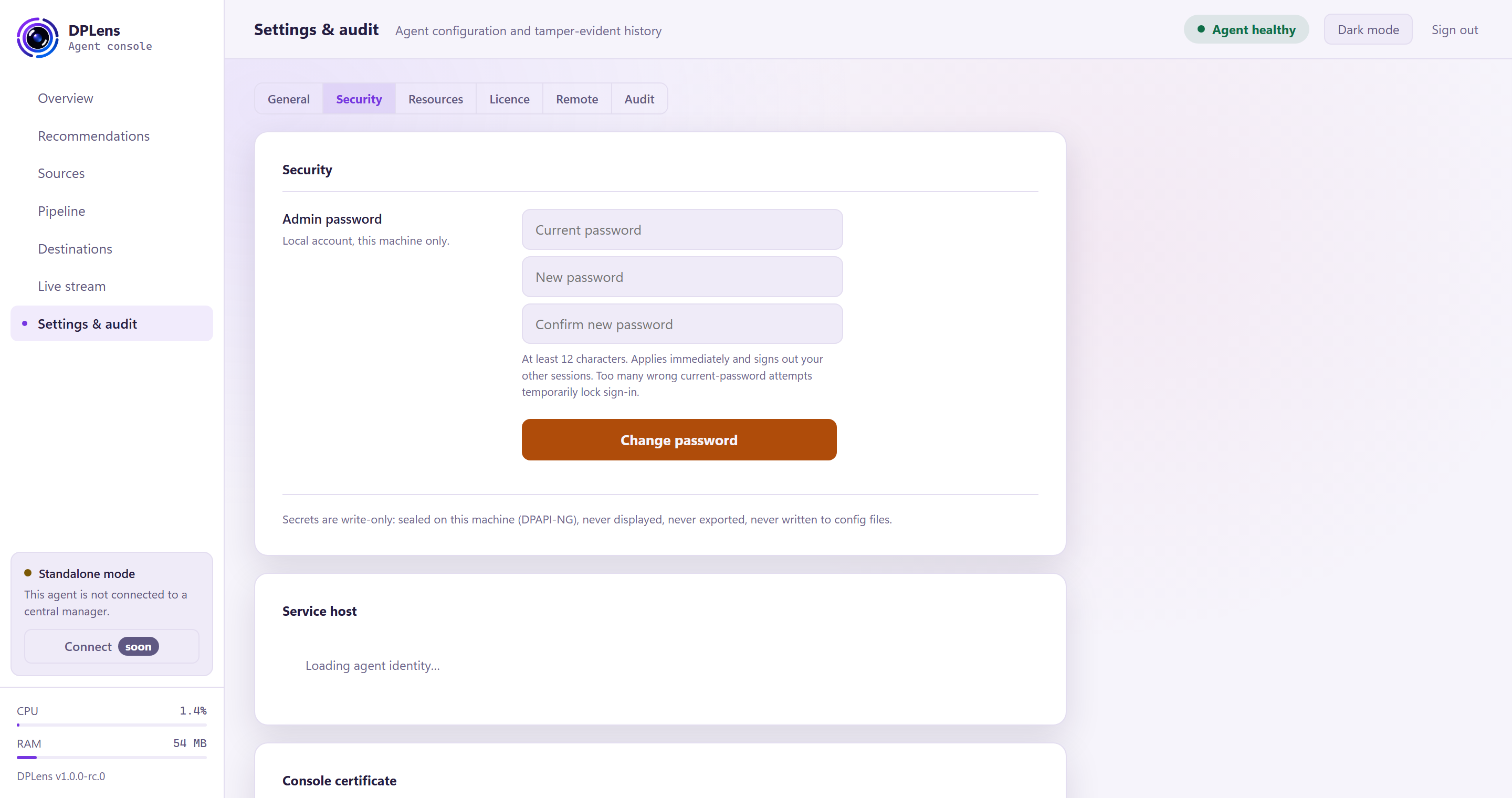
Admin password
Change the console password. Unlike everything else in the console this applies immediately — it is not staged — and it signs out your other sessions.
At least 12 characters. Repeated wrong guesses at the current password temporarily lock sign-in.
There is no recovery. The password is stored as a hash, and if it is lost an administrator on the machine sets a new one from the command line:
"C:\Program Files\DPLens\dplens.exe" --set-admin-password
Service host
How the collection service is running: which account it uses, whether the state folder's permissions are as they should be, and the machine identity the licence is bound to.
Console certificate
Install a certificate from your own authority so the console stops warning your browser. Paste the chain and the private key; the key is sealed on the machine and is never written to the configuration file, never displayed and never exported.
See Replacing the console certificate for the full procedure, including the headless route.
Secrets
The note on this tab is the rule the whole product follows: secrets are write-only. They are sealed to this machine, never displayed, never exported, never written to a configuration file. You can set one and see that a handle is in use; nothing can show you what is behind it, including the console itself.
Resources
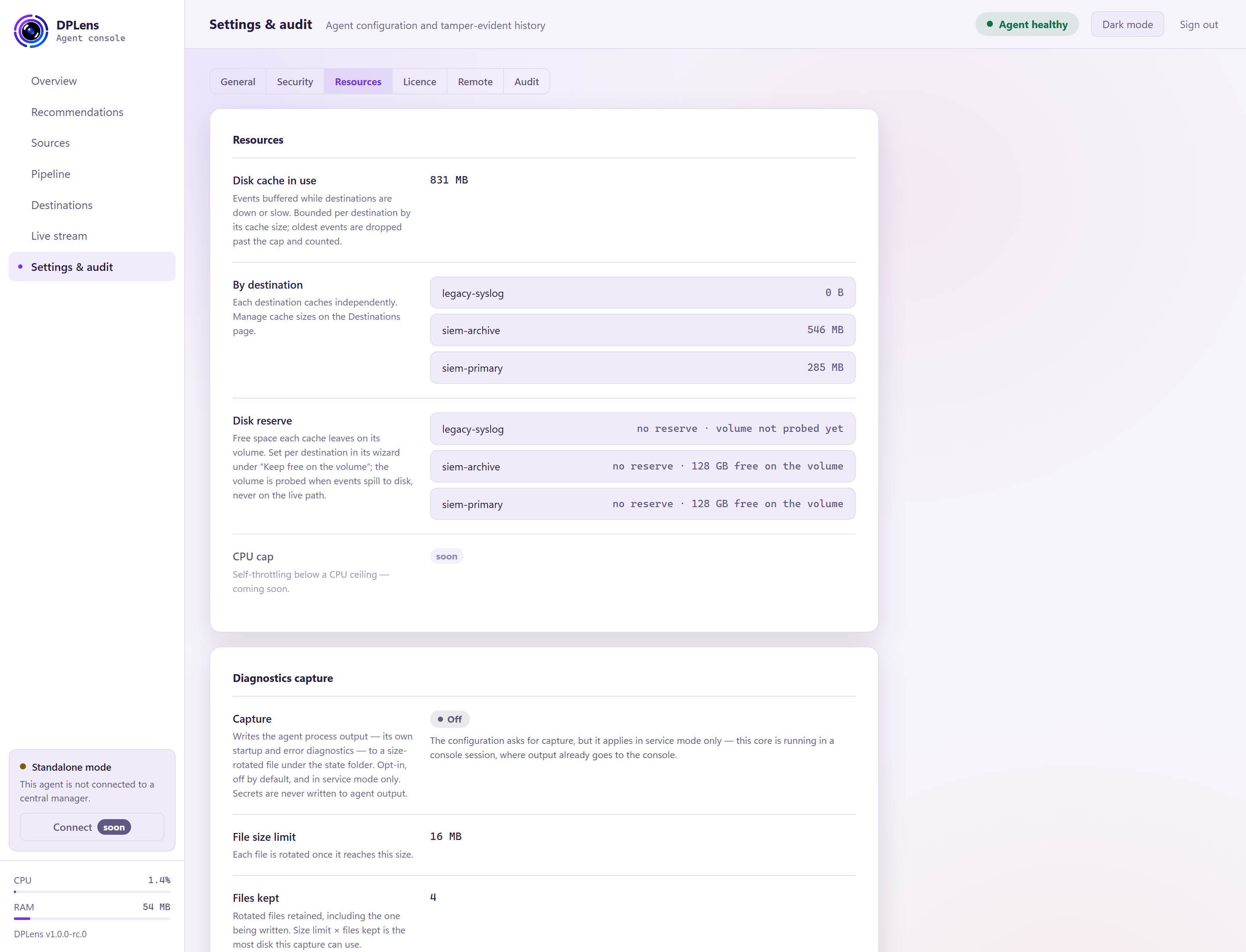
Read-only, except for the diagnostics settings.
Disk cache
How much is queued on disk in total, and per destination. Cache sizes are set per destination in its wizard — see Destinations.
Disk reserve
The free space each cache leaves on its volume. The volume is checked when events spill to disk, never on the live delivery path, so the check cannot slow down normal operation.
Diagnostics capture
The agent's own startup and error diagnostics, written to a rotating file under the state folder.
| Setting | What it does |
|---|---|
| Capture | On or off. Off by default. |
| File size limit | The size at which the file rotates. |
| Files kept | How many rotations to keep, including the one being written. |
Size limit × files kept is the most disk this can ever use.
This is the agent talking about itself — not your log data. Secrets are never written to it. It applies when DPLens runs as a Windows service; run from a console, the output goes to the console instead.
Turn it on when you are investigating a problem, and off again afterwards. See Logs and health.
Licence
What your licence covers and when it expires. It never shows the key itself.
| Field | What it tells you |
|---|---|
| State | Licensed, in warning, in grace, or stopped |
| Data plane | Whether events are actually flowing under this licence |
| Customer | The organisation the key was issued to |
| Licence id | Unique to the issued key |
| Expiry | The date, and how many days remain |
| Agent entitlement | Whether local sources — Windows Event Log, file tail, file integrity — are covered |
| Receiver seats | Syslog and NetFlow receiver seats used against those available |
| Locked to | The machine or domain this key is valid for |
Below it, Apply a licence key: paste the key — one line, beginning DPL1 — and save.
A receiver seat is counted per configured, enabled receiver source, never per remote sender. A paused receiver holds no seat.
See Licensing.
Remote
Central management is not part of this release.
Audit
A tamper-evident record of every change: what changed, when, and which account made it.
Each entry is chained to the one before it with a cryptographic hash, so a record cannot be altered or removed without breaking the chain. The page shows whether the chain verifies.
| Column | |
|---|---|
| Time (UTC) | When it happened |
| User | The console account, or system for the agent's own actions |
| Change | What was done |
| Detail | The specifics |
Recorded here: sign-ins and failures, configuration applies and rollbacks, password changes, certificate installation, licence changes, masking policy changes, re-baselining a file-integrity source, and the agent's own start-up checks.
The log is append-only and read-only. It cannot be edited or cleared from the console. It lives at C:\ProgramData\DPLens\state\audit\audit.jsonl — back it up with the rest of your state, and ship it to your SIEM if you want it retained centrally.