
The Live stream shows what is leaving for a destination, formatted and encoded exactly as that destination receives it.
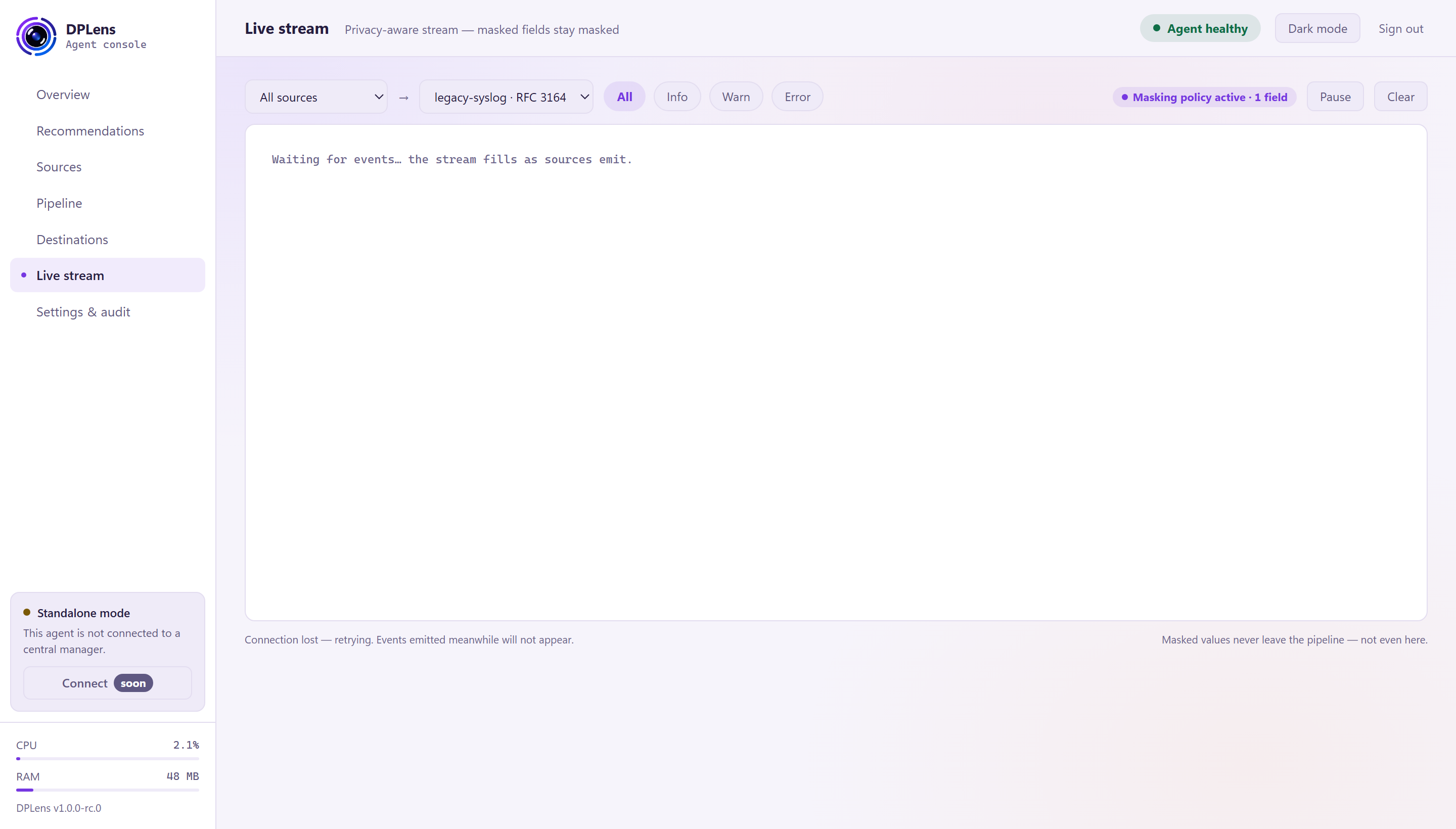
This is the page to use when you want to know whether something is working — after adding a destination, after changing a parser, after writing a masking rule.
Choosing what to watch
Two selectors at the top:
- Sources — all of them, or one.
- Destination — which destination's output to show. This also decides the format: choose a syslog destination and you see syslog lines; choose an NDJSON destination and you see JSON.
Then filter by severity with All, Info, Warn and Error.
Reading a row
Each row is one event: the time it was processed, its severity, the source it came from, sometimes a tag, and the encoded record.
| Tag | Meaning |
|---|---|
| (none) | Delivered straight through — the ordinary case |
| retry | A delivery that failed and was tried again |
| replay | Drained from the disk cache after an outage |
Click a row for its detail, including which fields a masking rule rewrote.
Chips at the top
- Masking policy active — masking rules are in force on this path, and how many fields they cover. If this is absent, nothing is being masked.
- Dropped upstream — how many events did not reach this destination, because a filter, an aggregation or a rate limit removed them. It is a count of deliberate reductions, not of failures.
Masked values stay masked
The note at the foot of the page — masked values never leave the pipeline — not even here — describes how the page works.
Masking runs before anything is cached or sent, and the live stream shows the same encoded bytes the destination receives. So there is no view in the console that shows the original of a masked value: by the time the console sees the event, the rewrite has already happened.
A row that a masking rule rewrote is marked, and the row detail lists which fields were rewritten.
On a raw relay — a destination sending the original record through untouched — a row is additionally marked when masking rules exist but none of them covers the raw record, so "your rules are not reaching this" is visible rather than assumed.
Pause, clear and the row limit
Pause stops the display; the agent keeps delivering. Clear empties the view.
The page holds a bounded number of recent rows — older ones drop off as new ones arrive. It is a window onto a live stream, not a search tool. For history, query your SIEM.
If nothing appears
Work through, in order:
- Is the pipeline enabled, and does it name this destination?
- Is the source healthy and producing? Check its rate on Sources.
- Is a filter dropping everything? The funnel on Overview shows where events are going.
- Is the destination reachable? A destination with a cached backlog is still receiving events from the pipeline — they are going to disk.
- Is the channel simply quiet? Use Send test event from a source's row menu to generate one.
More in Troubleshooting.
One tab at a time
The stream is a single subscription. If another console tab is already streaming, this one says so rather than silently showing nothing. Close the other tab, or use its stream instead.